
Extract Text From Any Screen, Instantly.
The easiest macOS utility to copy text from videos, images, and protected PDFs. Just select the region and paste your text.
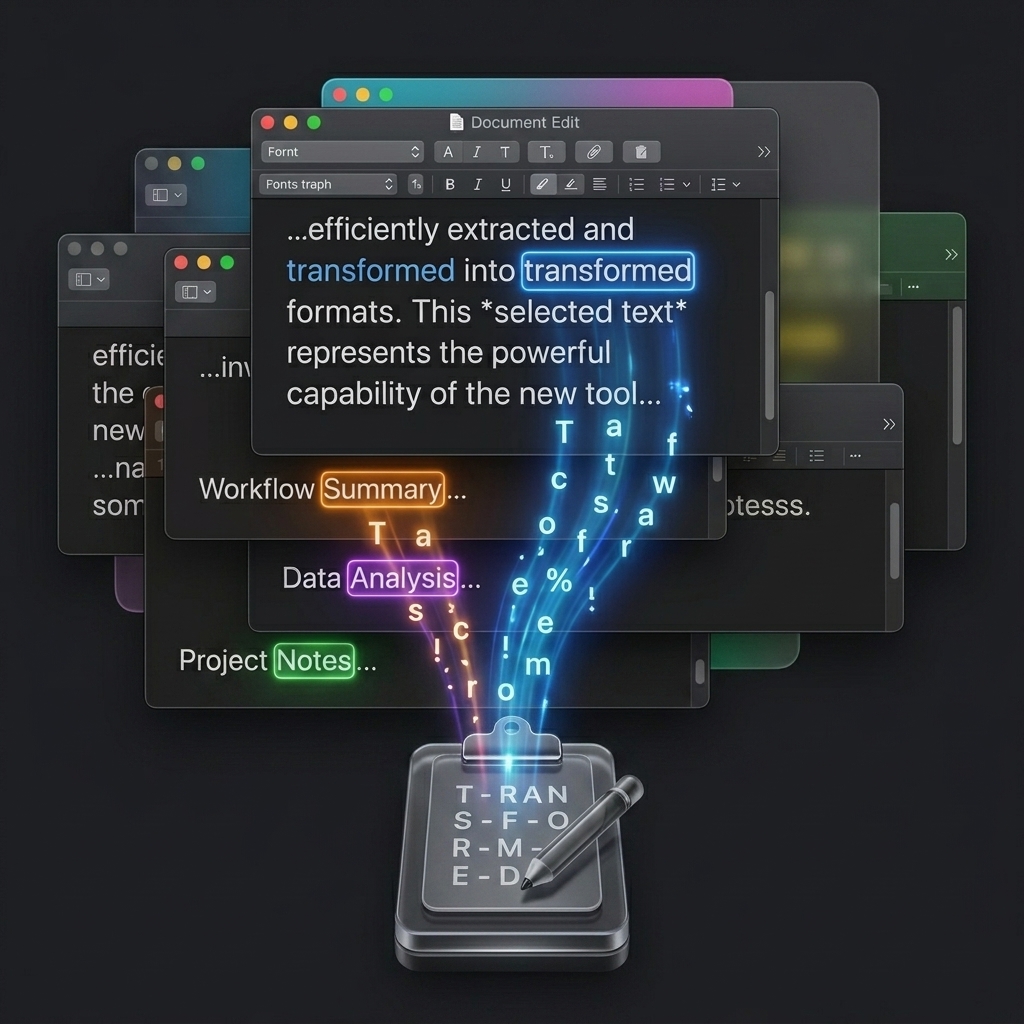
See GrabText in Action
Videos & Webinars
Copy text from YouTube, TikTok, or Zoom calls. Just pause and select.
Locked Documents
Extract notes from non-selectable PDFs or lecture slides effortlessly.
QR Codes
Instantly decode embedded product information and invisible links.
Copy in 3 Easy Steps
Select Feature
Trigger GrabText via the menu bar or your customized shortcut.
Draw Region
Select the text anywhere on your screen like you're taking a normal screenshot.
Paste It
The extracted text is immediately in your clipboard. Paste it anywhere!
Uncompromising Privacy & Speed
Unlike other OCR solutions, GrabText doesn't send your screen data to the cloud. Everything happens on-device.
- ✓ Ultra-Fast On-Device Extraction
- ✓ 100% Privacy (No data uploaded)
- ✓ Supports Blurred or Low-Res Text
- ✓ Lightweight native macOS App
Frequently Asked Questions
GrabText offers a 3-day free trial so you can experience its power. After that, a lifetime access license is available via a one-time In-App purchase.
Yes! GrabText runs locally on your Mac. It doesn't store or send any of your screen contents or extracted text to any servers.
Yes! Simply pause the video at the text you want, trigger GrabText, draw a region over it, and the text will be extracted instantly to your clipboard.
Absolutely. GrabText's powerful OCR can recognize and extract text even from non-searchable or scanned PDF files.